This section explains how to fire a pageview when the user updates their consent and Google Analytics becomes allowed as a result of that update.
If you are using the plugin’s blocking services feature, this trigger may not be required depending on your configuration—such as when:
- when Google Analytics is blocked directly in the plugin settings, or
- Google Analytics and Google Tag Manager fall under the same consent category and are enabled together.
In these cases, please verify whether the additional trigger is actually needed.
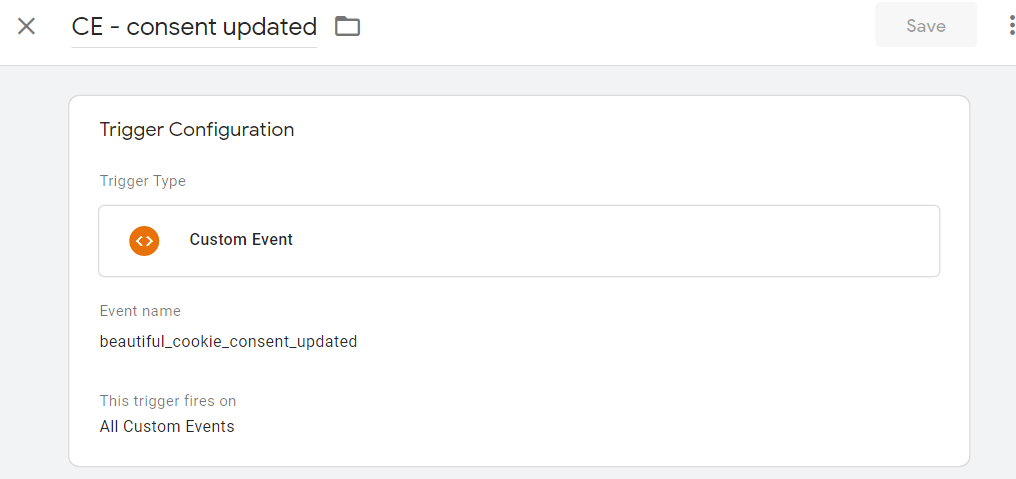
Trigger: Create a “consent updated” trigger in google tag manager
- create a “custom event trigger”
- Event name: beautiful_cookie_consent_updated
Tag: Add the trigger to the tags
Add the created trigger to the tags, which shall fire when the consent is updated.
I will use a google analytics page view tag as example.

That should be it. Now it fires a page view, if a user updates the banner settings and has the correct consent.